

Scan
The guest scans the QR code assigned to the table.
PRODUCT DEMO · HOSPITALITY
A connected café ordering flow that starts with a table QR code and continues through menu browsing, cart, live order status and a secure staff dashboard.
THE CHALLENGE
A useful QR menu can do more than replace a printed menu. The goal was to create a complete table ordering flow without requiring customers to install an app or create an account.
At the same time, staff needed a clear way to receive new orders, move them through preparation and control which drinks were currently available.
THE FLOW
Each table gets its own QR code. The table number travels with the order automatically, while customer and staff interfaces stay synchronized through Supabase.
The guest scans the QR code assigned to the table.
The drinks menu opens instantly on the customer's phone.
Items, quantities and an optional note are sent securely.
Staff receive the order and update its preparation status.
The guest sees live status changes until the order is served.
CUSTOMER MENU
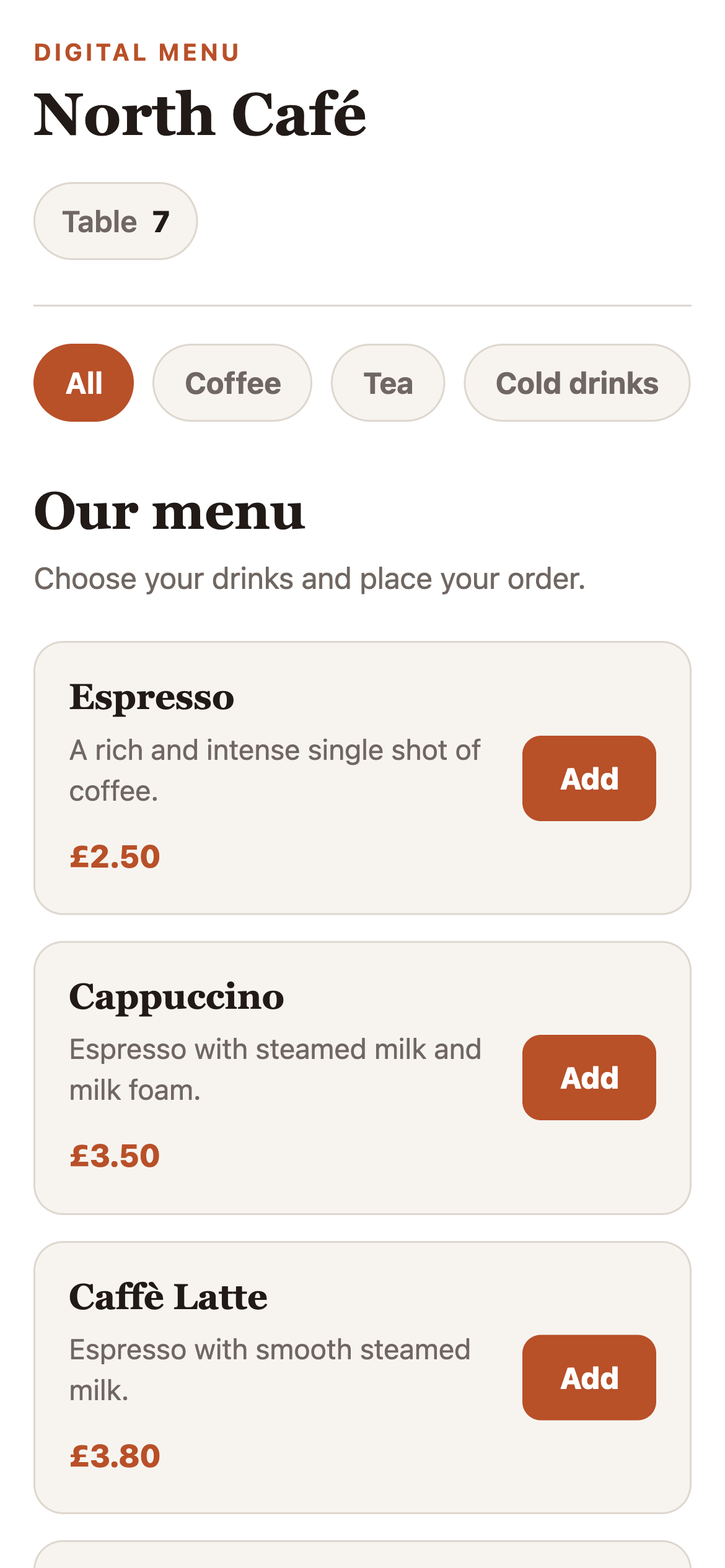
The customer side is mobile-first and table-aware. A single café website can serve every table by reading the table number from the QR code URL.
CART & ORDER
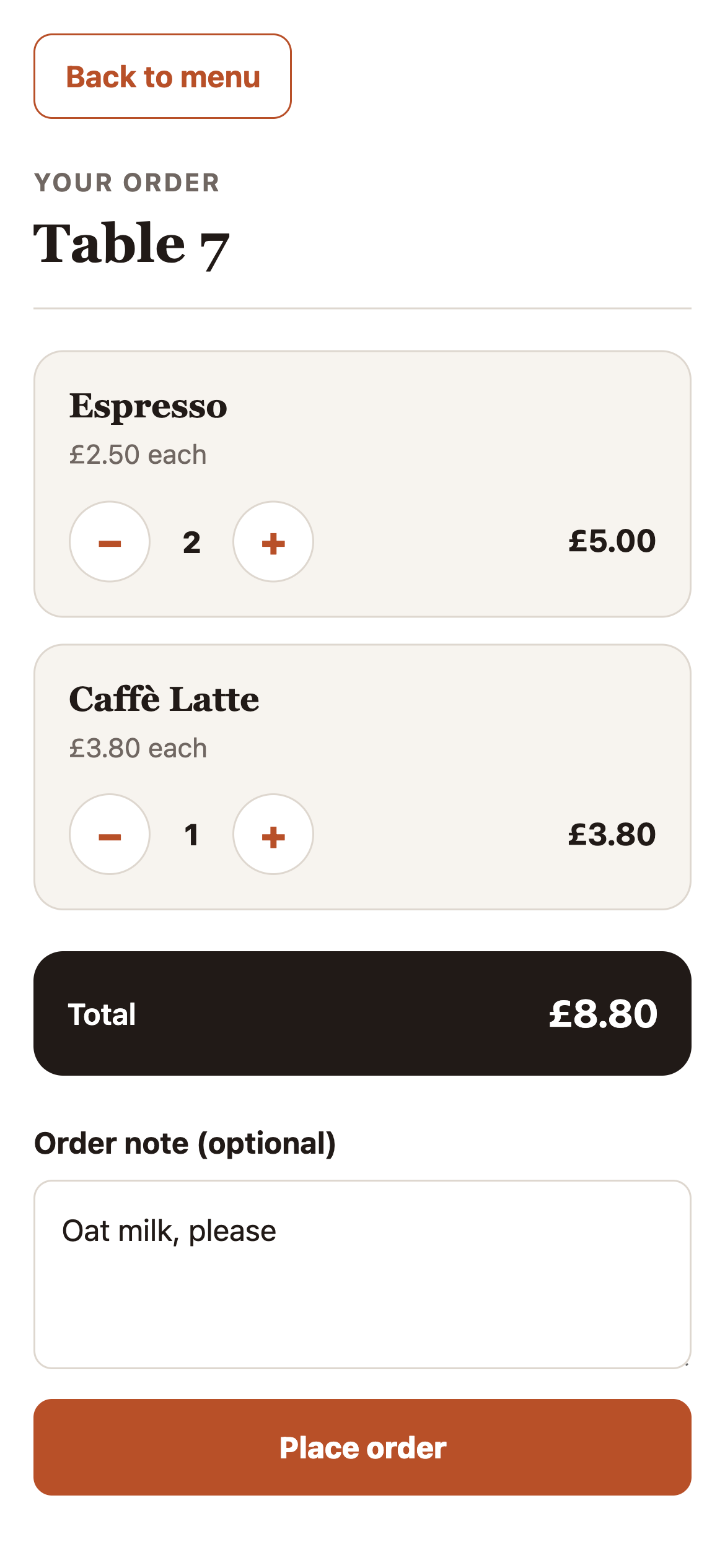
The cart keeps the process simple while still giving the customer enough control before sending the order.
STAFF DASHBOARD
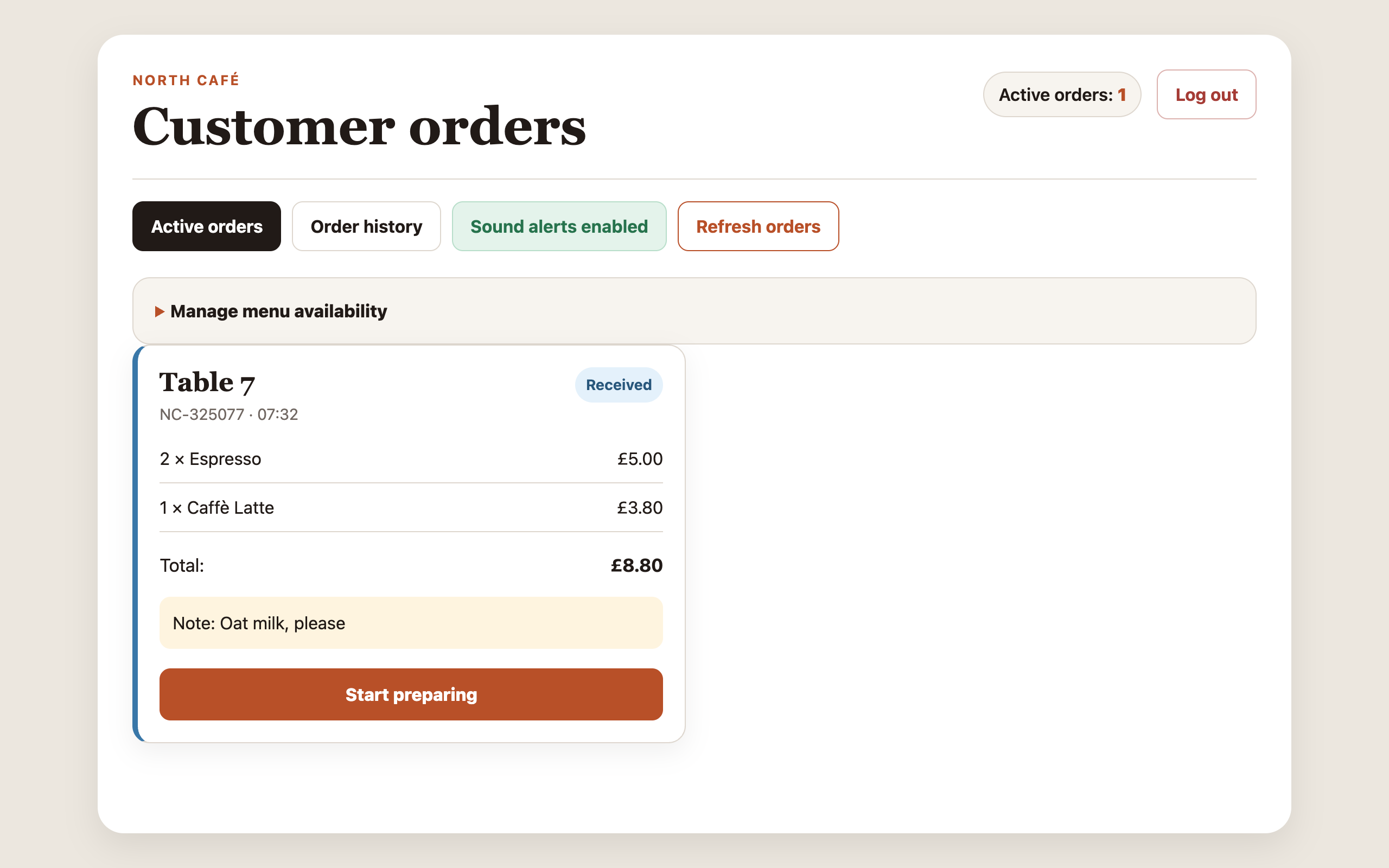
The staff side is built for day-to-day operation. Authorized team members sign in, see new orders and move each one through a clear workflow.
ORDER STATUS
The same status is reflected across staff and customer views, so both sides know what is happening without extra messages.
The order reaches the staff dashboard.
Staff starts preparing the drinks.
The order is ready to be served.
The completed order moves to history.
TABLE QR LOGIC
The café does not need a separate page for every table. The same customer interface reads the table number from the URL and attaches it to every order.
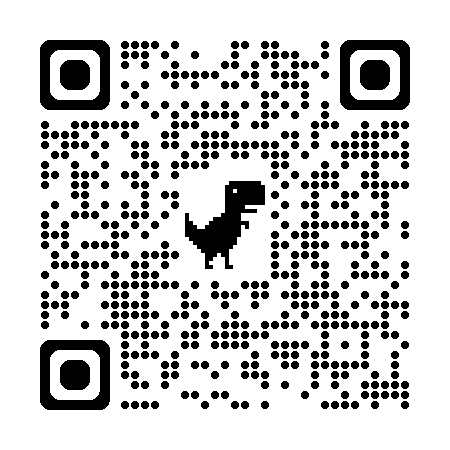 TABLE 07Scan to order
?table=7BUILT FOR REAL USE
The interface stays lightweight, while Supabase handles authentication, database access, live updates and the trusted order workflow behind the scenes.
Orders, menu availability and live status updates stay connected in one backend.
Trusted database prices are used when the final order total is calculated.
Only authorized staff accounts can access the operational dashboard.
The customer experience is designed for the device used at the table: the phone.
THE RESULT
This demo shows how a simple QR code can become the entry point to a connected digital product for both customers and staff — without forcing either side into unnecessary complexity.