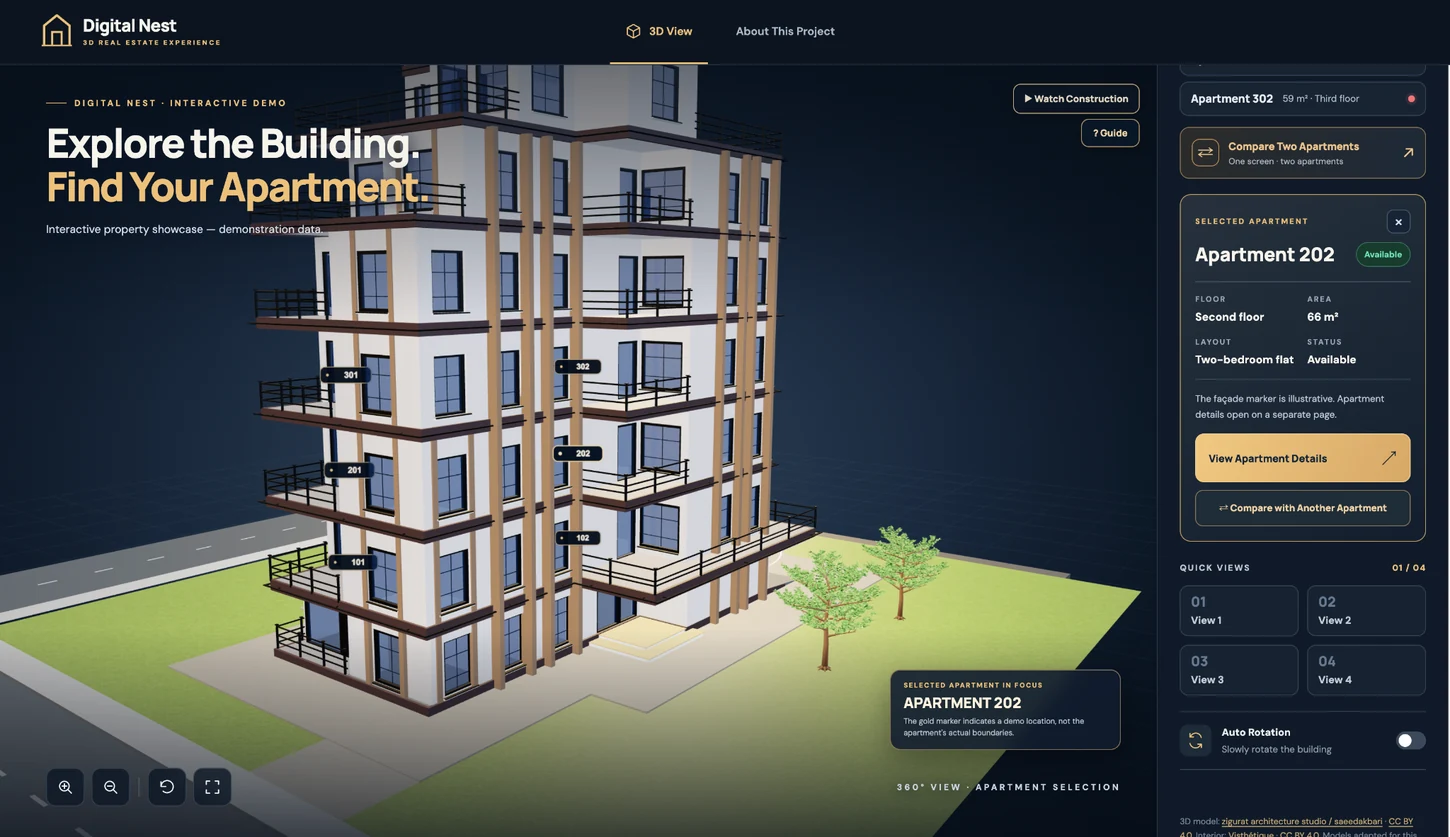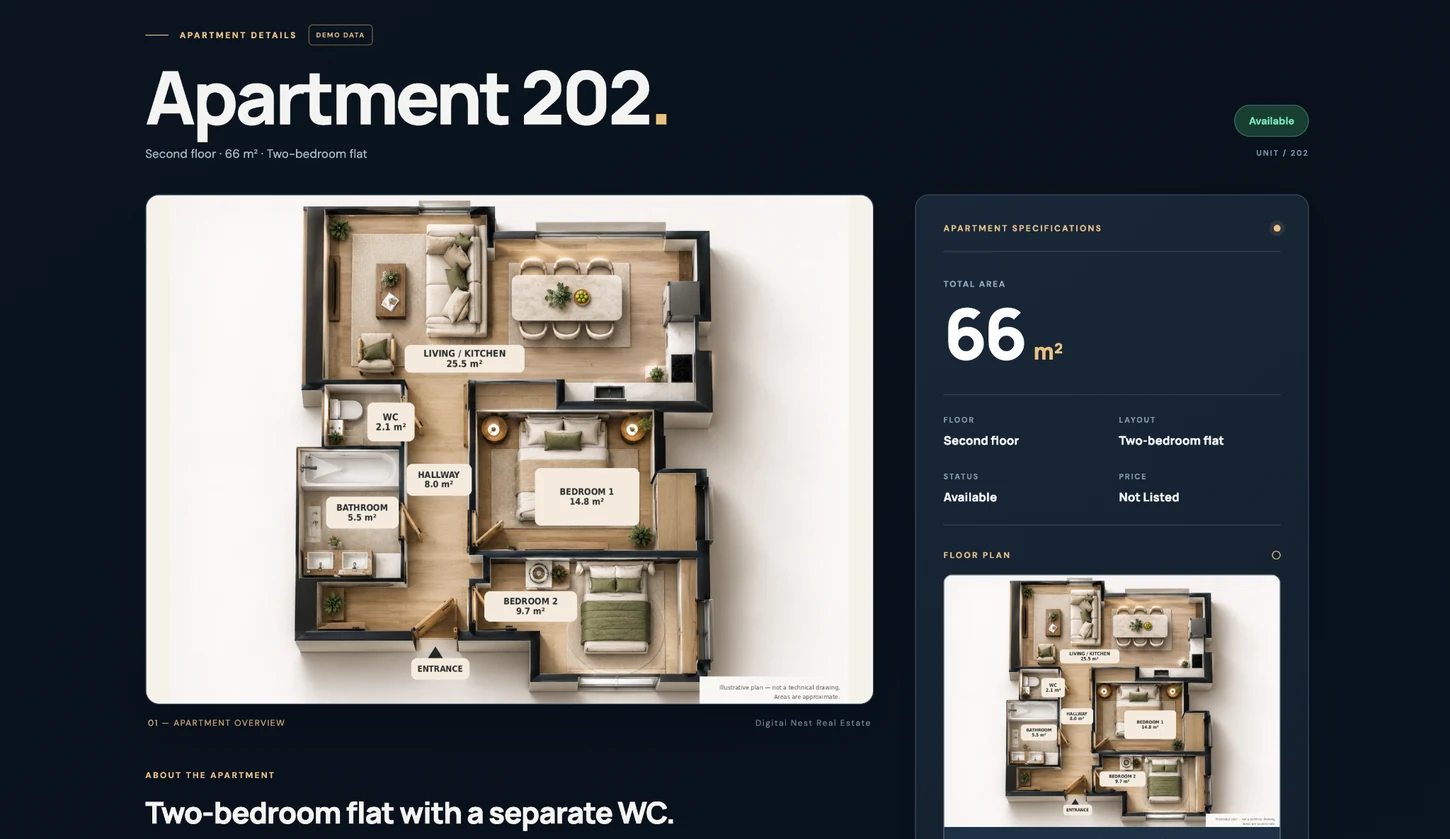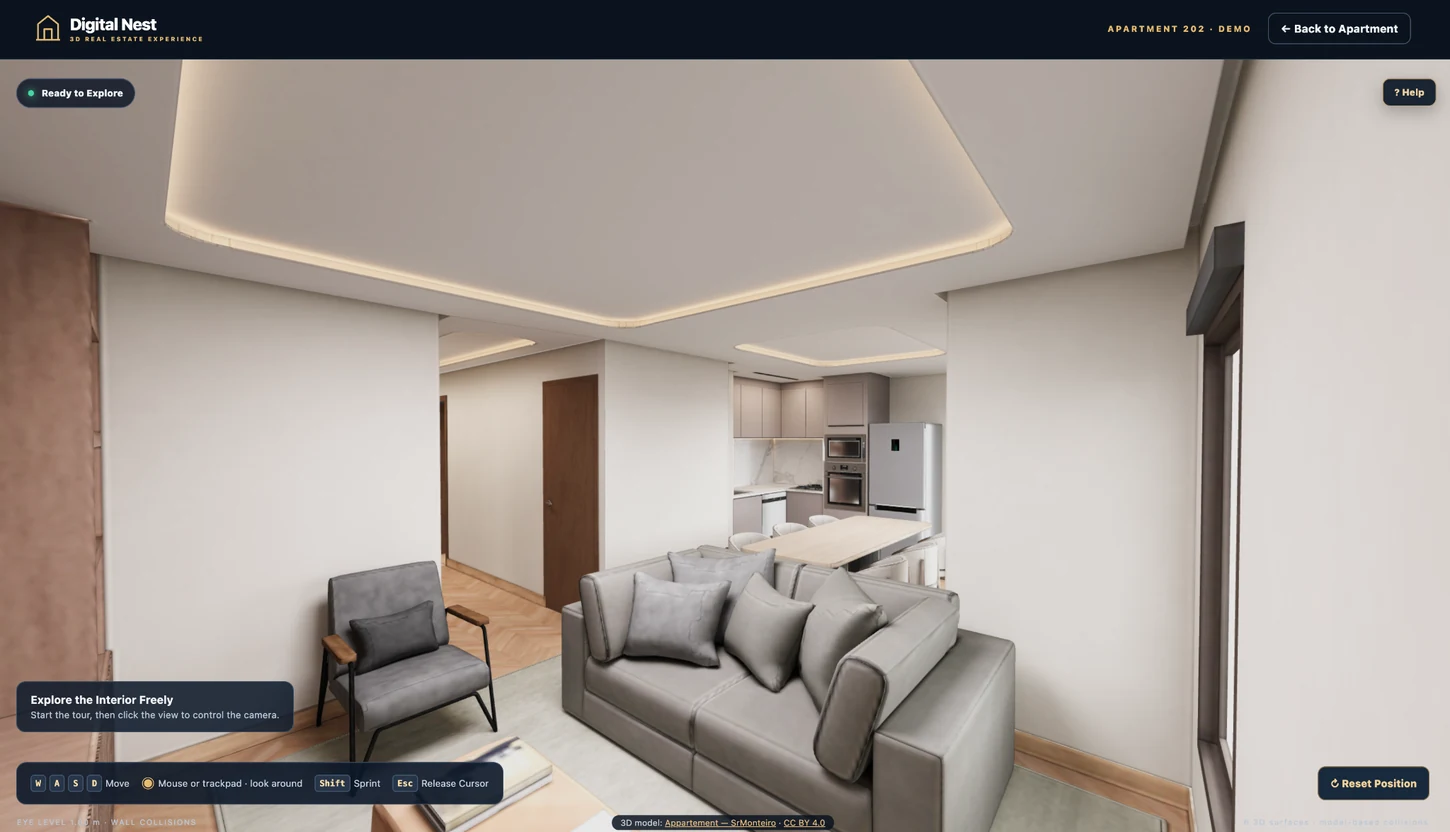

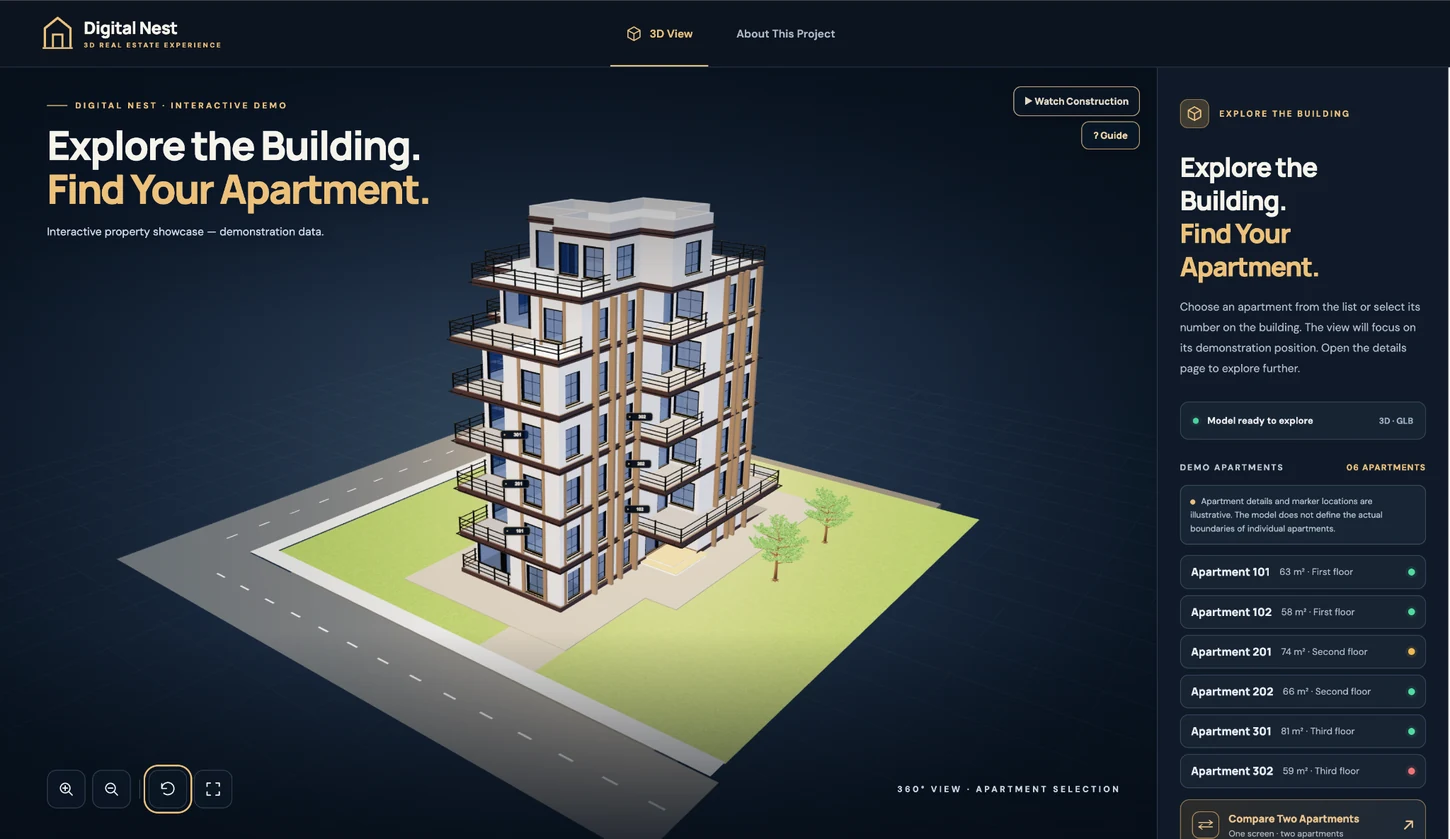
 Actual application screen · building view
01 / BUILDING VIEW
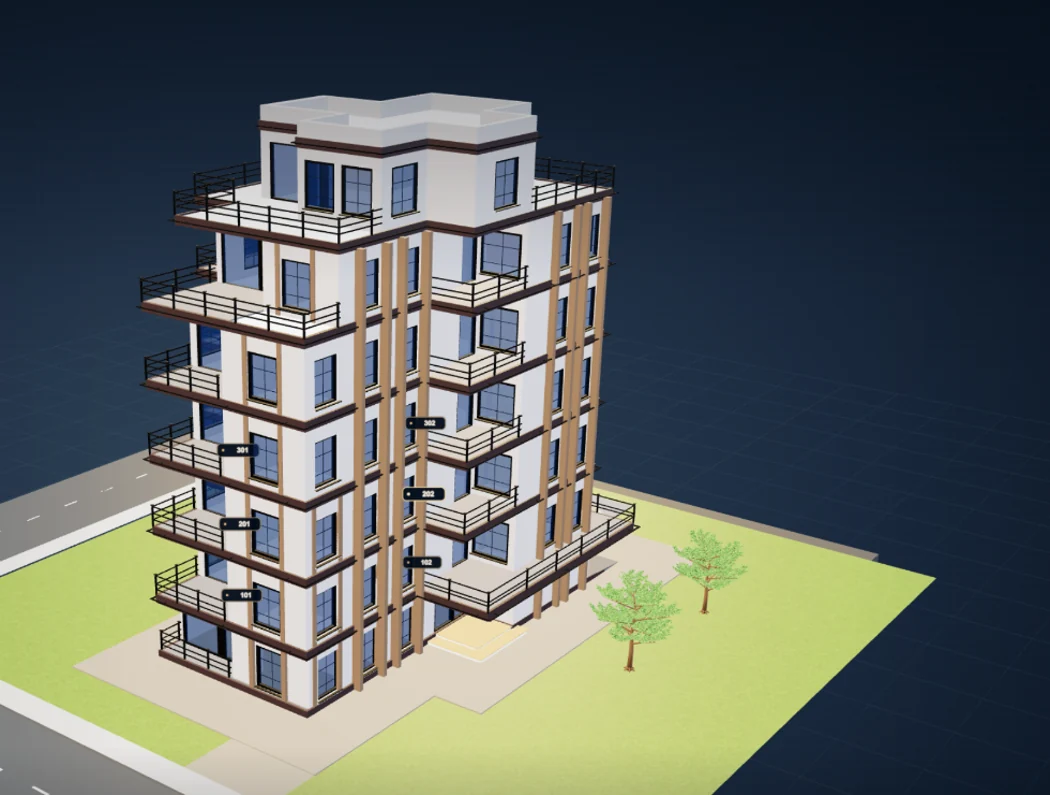
Rotate the building. Explore every angle.
Drag the 3D building with your mouse, or swipe on a phone, to rotate the view. Use the zoom controls to move closer, and the preset views to switch between camera angles. Explore the façade, balconies and building position without leaving the page.