← Back to Our Work

QR MENU · DIGITAL PRODUCT

Scan. Browse the menu. That’s it.

A simple mobile-first digital menu for venues that need a fast, polished way to show their offer — without ordering through the system.

DIGITAL MENUNO ORDERINGMOBILE-FIRSTCUSTOM BRANDING
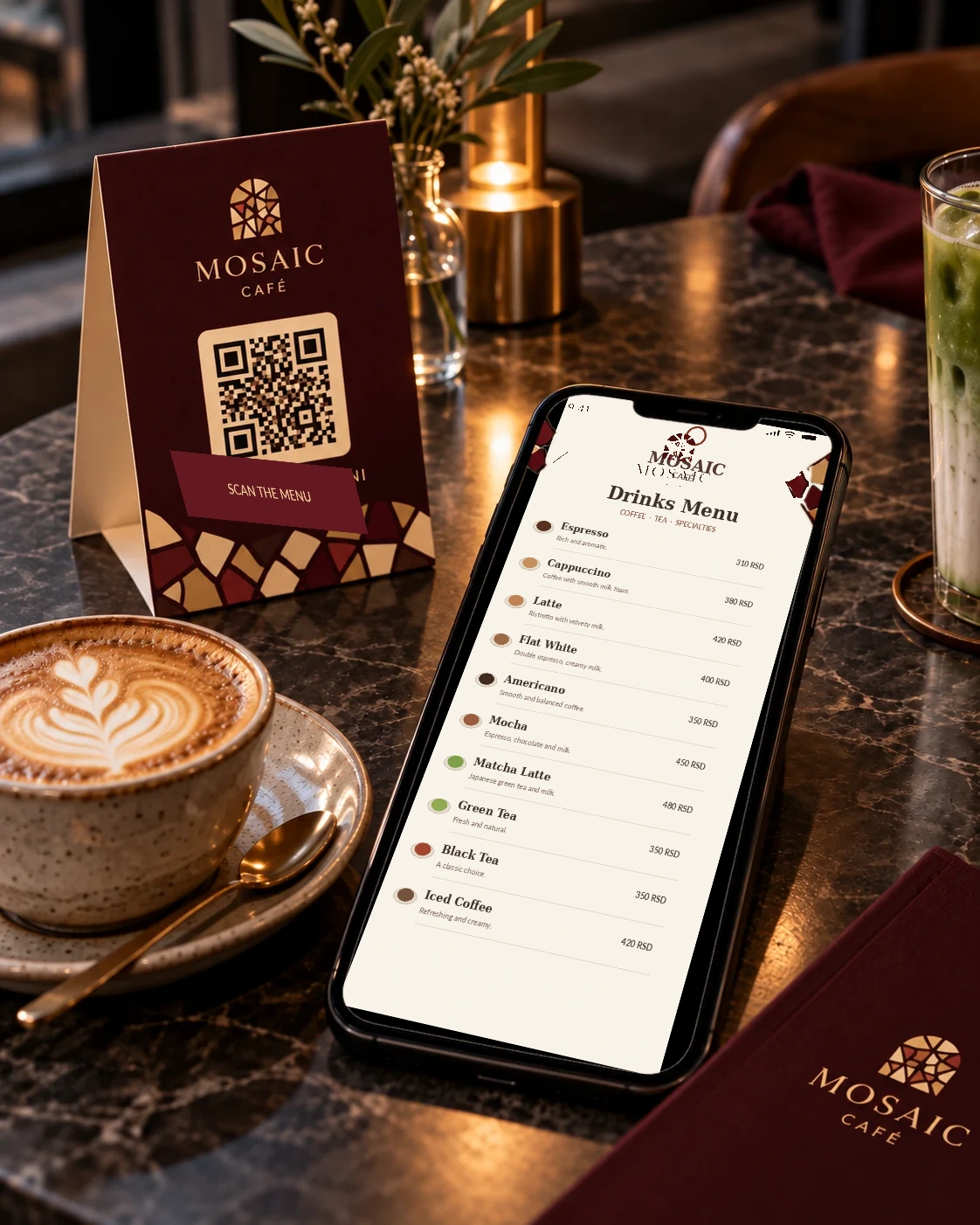
QR Menu preview

QR MENU

Paper menus are a thing of the past.

QR Menu replaces the traditional paper menu with a simple mobile-first web page. When you change a price, add a product or update the offer, the content changes digitally — without producing and printing a new menu.

The same QR code stays on tables, flyers and promotional material while guests always see the latest offer. There is no cart or order submission — just a clear digital menu that reduces printing costs and makes future updates faster.

HOW IT WORKS

Three steps. No complexity.

01

Scan the QR code

Guests open their phone camera and scan the QR code.
02

Open the menu

No app, registration or account required.

03

Browse the offer

Categories, products, photos, descriptions and prices in one place.

MOBILE-FIRST

A menu designed for the phone screen.

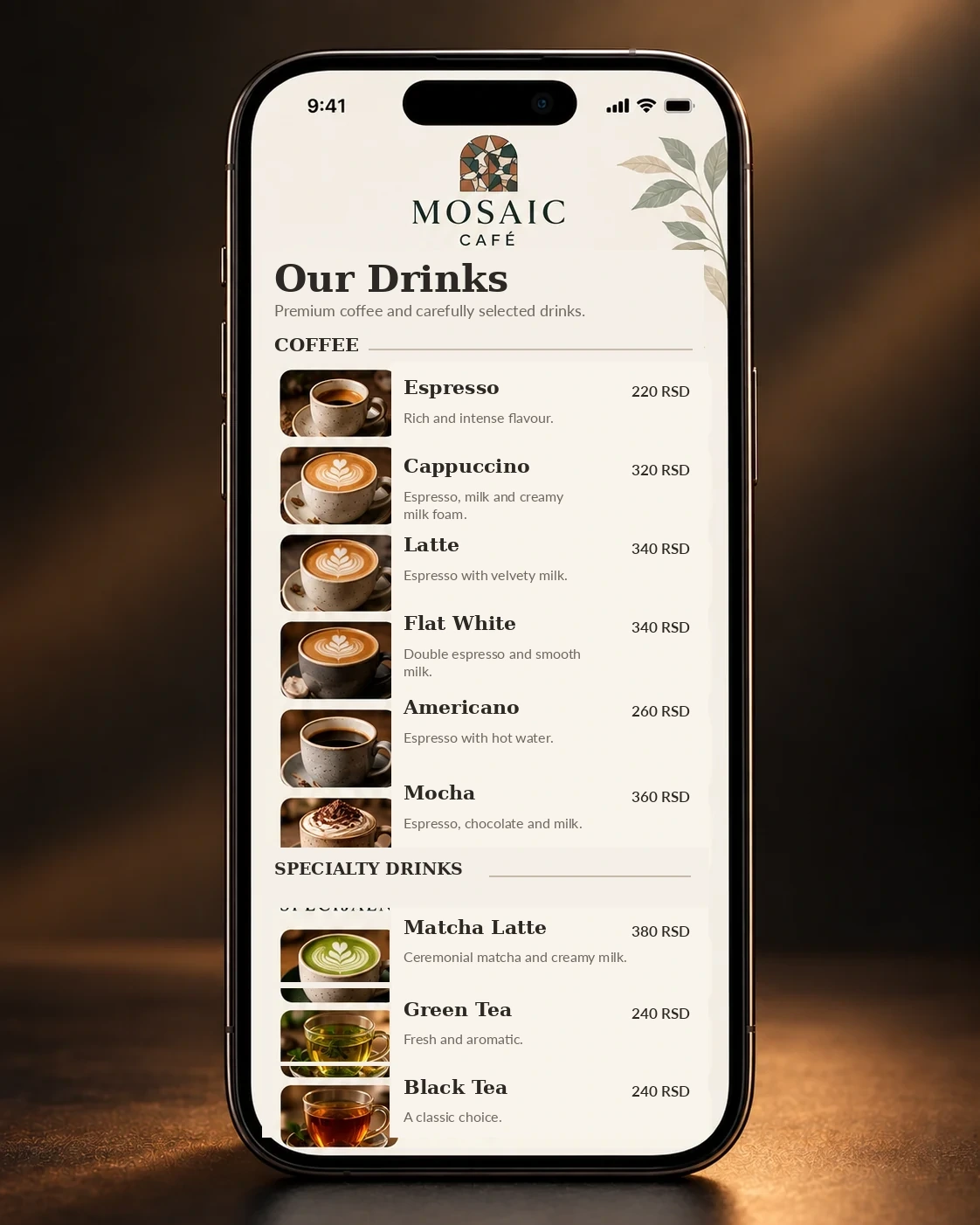
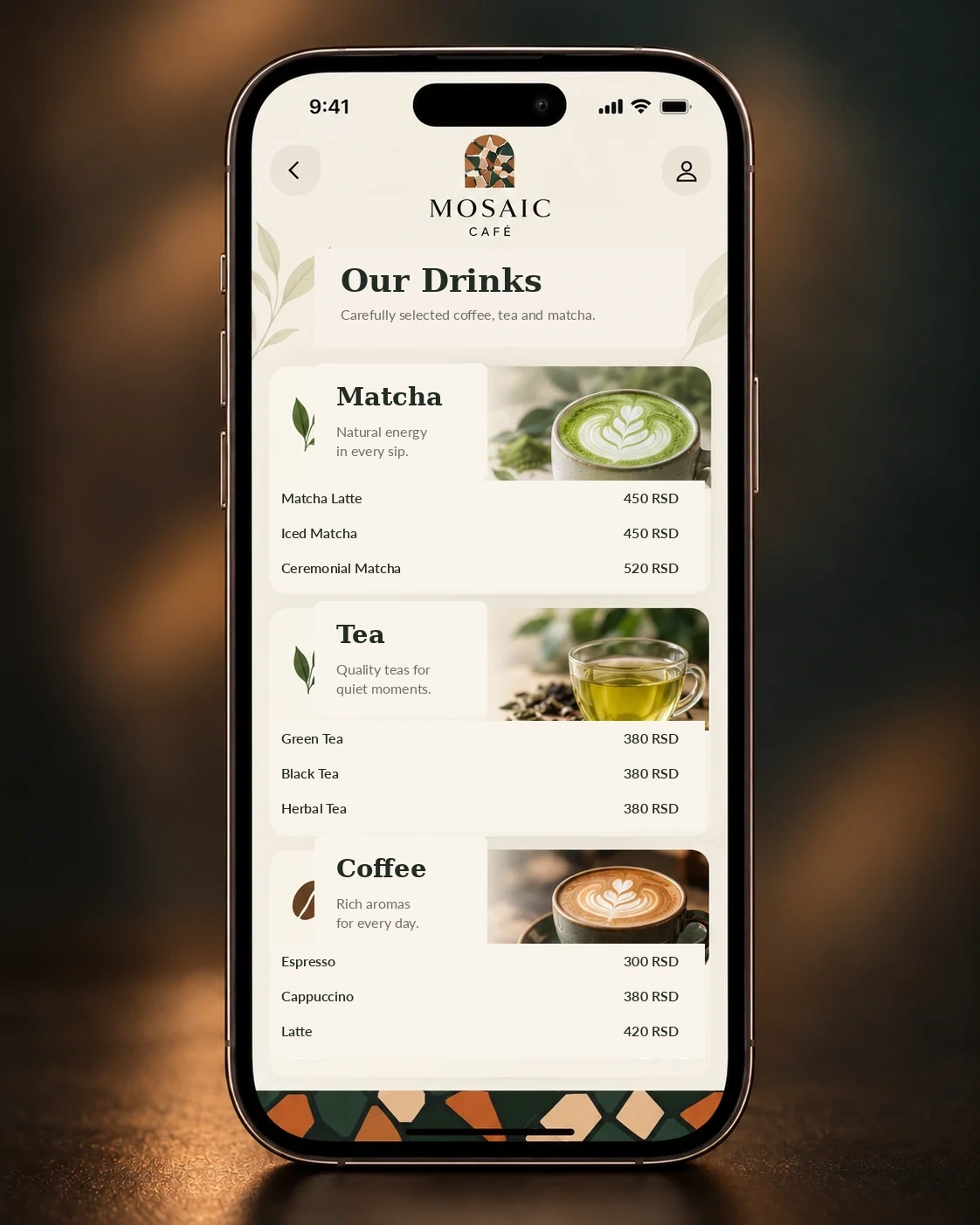
Coffee, tea, matcha and other categories can have their own sections, photos, short descriptions and clearly displayed prices.

Drinks and prices menuCoffee tea and matcha categories

EASY UPDATES

Change the menu. Keep the QR code.

When a price or product changes, only the digital version needs updating. The QR code already printed on the table can stay the same.

IMPORTANT DISTINCTION

QR Menu is not a QR Ordering System.

QR Menu is for browsing. Guests can see products, photos, descriptions and prices, but they cannot place an order through the system. QR Ordering is a separate Digital Nest product.

QR MENU

The menu changes. The QR code stays.

Update products and prices without reprinting the menu.